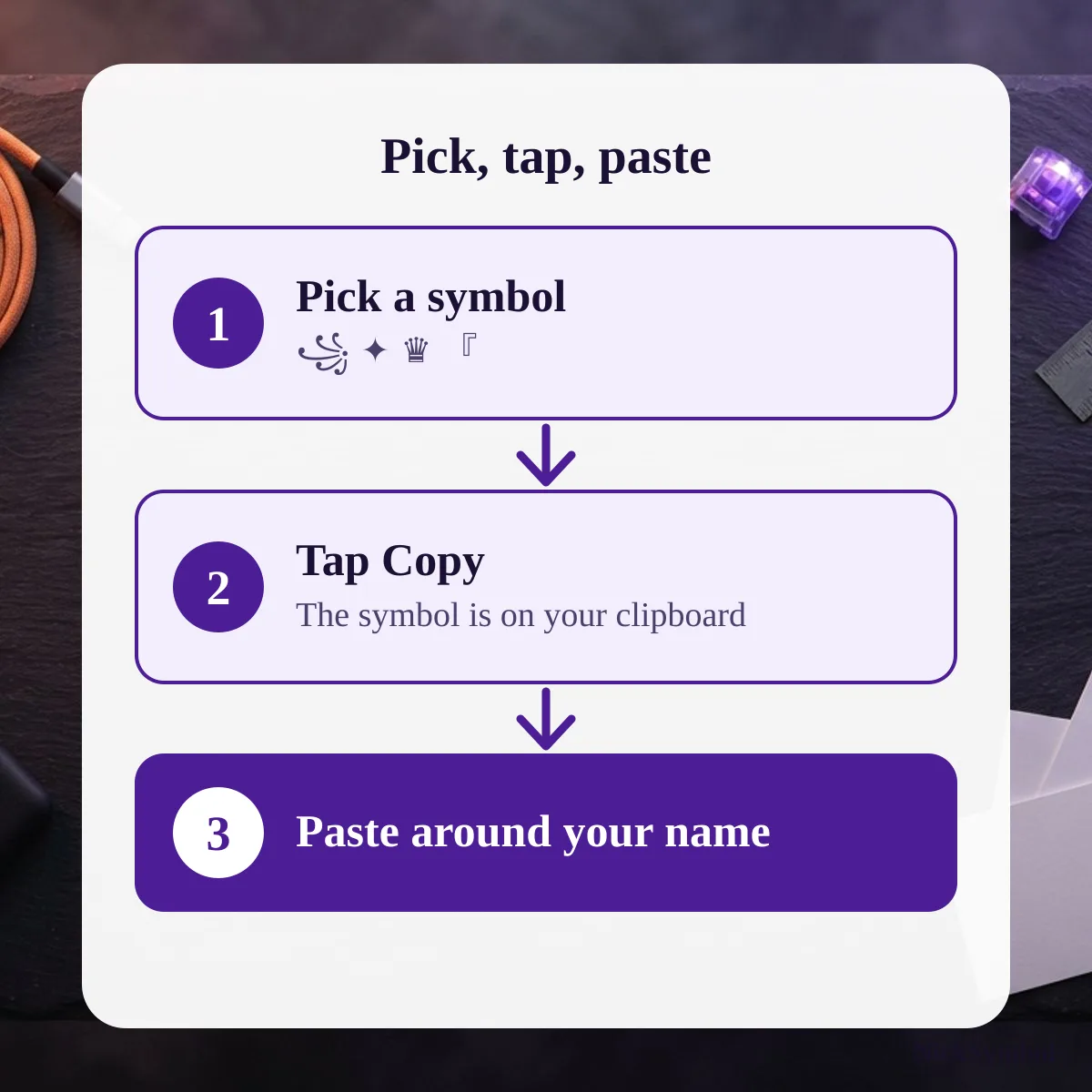
This page shows how to use NickSymbol: pick a symbol, tap to copy, then paste it around your name in any app or game, with nothing to install. A symbol looks wrong? Report it on the contact page.
Pick a symbol
Start on the home page and open the vault: it lists symbols with their Unicode code point and official name. Tap a symbol to copy it, or type your name in the generator to get ready-made styled names. Every symbol and every name has its own copy button.
To look at one family only, the heart symbols, star symbols, crown symbols and bracket symbols each have a page of their own.
What each page does
The table lists each kind of page, the option you pick and the result you get. Use it to see which page fits what you need before you open it, whether that is a single symbol, a framed name or a full breakdown of a nickname you already have.
| Page | Option | Result |
|---|---|---|
| Home | Open the vault, or type a name in the generator | Symbols with code points, and styled names for your text |
| Heart Symbols | Pick a character | All 44 heart characters, with decorations to copy |
| Star Symbols | Pick a character | All 99 star and asterisk characters |
| Crown Symbols | Pick a character | The crown and chess set, with code points |
| Bracket Symbols | Pick a symbol or a ready-made frame | Every bracket symbol with its code point, plus frames |
| Name pages, such as Ayush Name Symbols | Pick a form: bold frame, soft frame, Free Fire, Instagram, Hindi script or tags | Ready names, 10 for each form |
| Decode a Nickname | Paste a styled nickname | A breakdown of every symbol inside it |
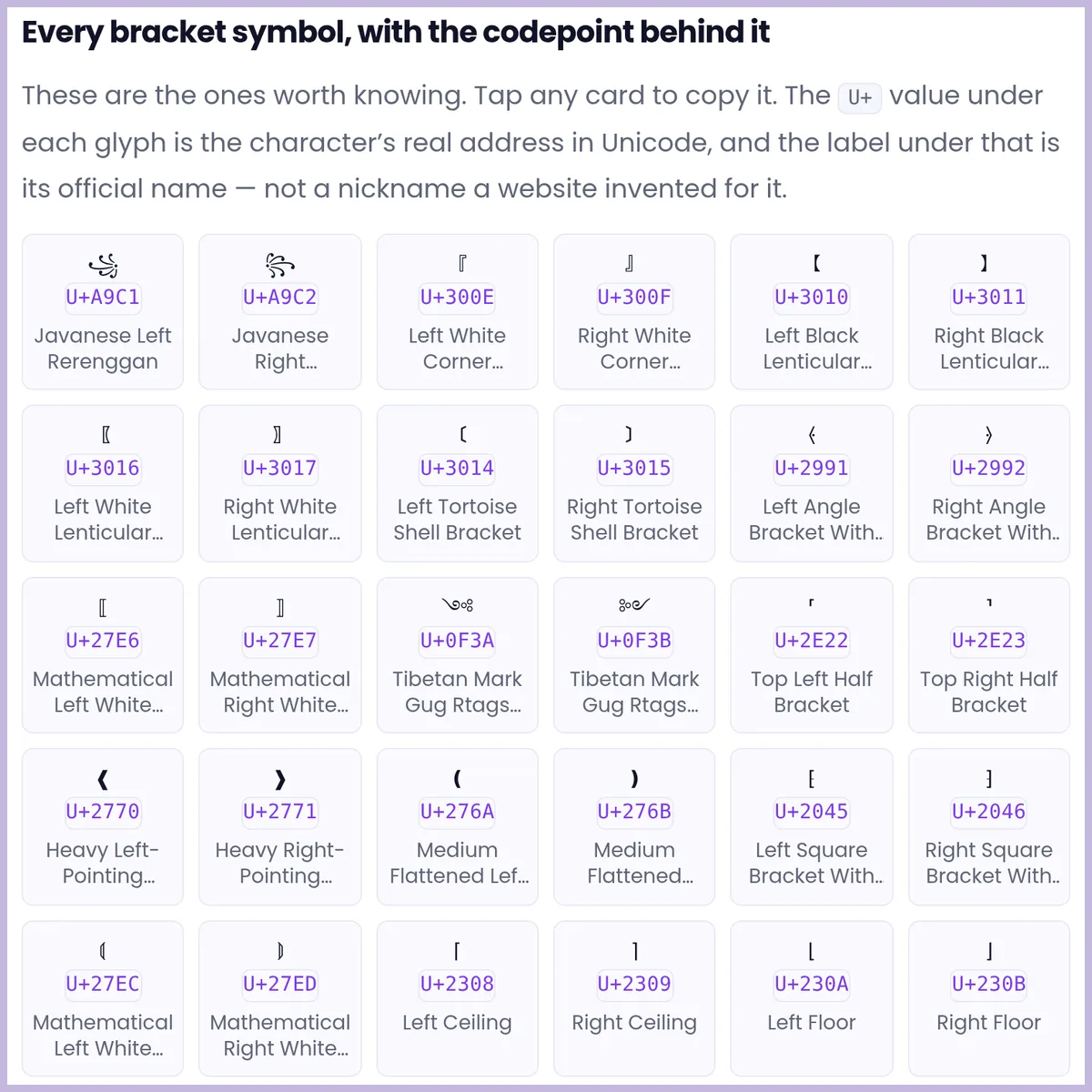
Paste it into an app
Tap Copy, then paste it around your name in the app’s name or bio field. Check the preview before saving, because each app decides which characters it keeps. If a symbol does not fit, pick another one from the same page.
| Situation | What can happen |
|---|---|
| Older devices | Some characters show as boxes |
| An app | It can remove some characters, so paste and check before saving |